
Google Search Console URL Inspection Tool: Complete Guide
The URL Inspection tool answers one question definitively: is this page in Google's index, and if not, why? It's the first place to look whenever a page isn't showing up in search.
Here's how to use it, what each result means, and how to request reindexing properly.
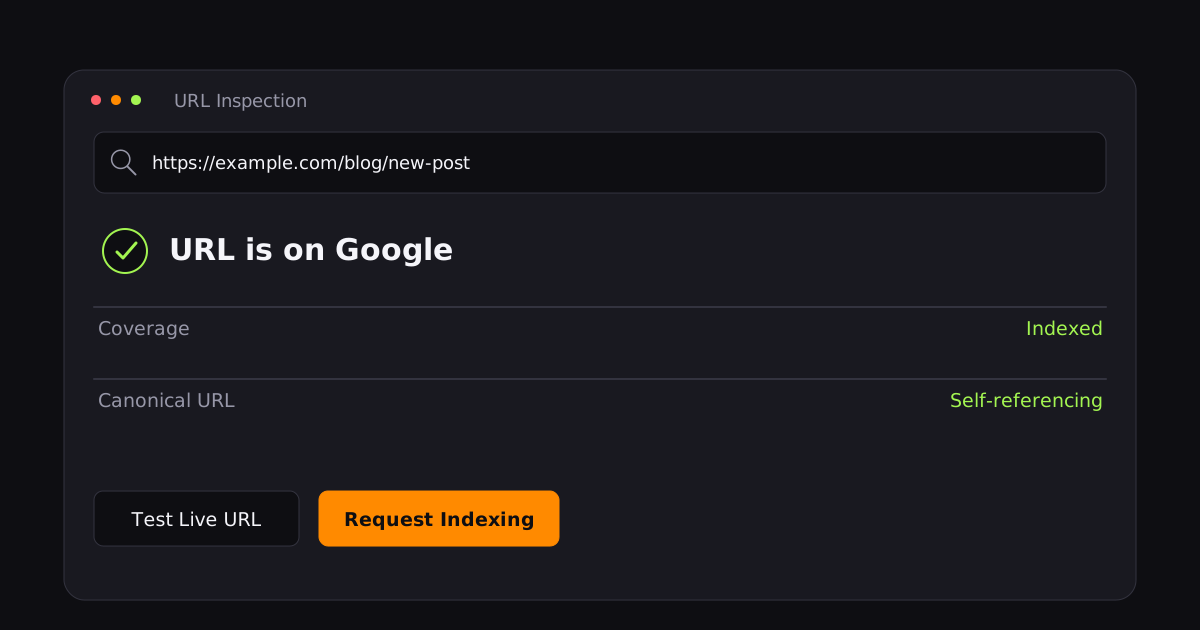
What the tool does
Open Search Console, paste a URL into the inspection bar at the top, and press Enter. Google returns the indexed version of the page — not the live one — along with:
- Whether the URL is on Google.
- Coverage status (indexed, crawled but not indexed, blocked, etc.).
- The canonical URL Google selected.
- Any crawl or indexing issues detected.
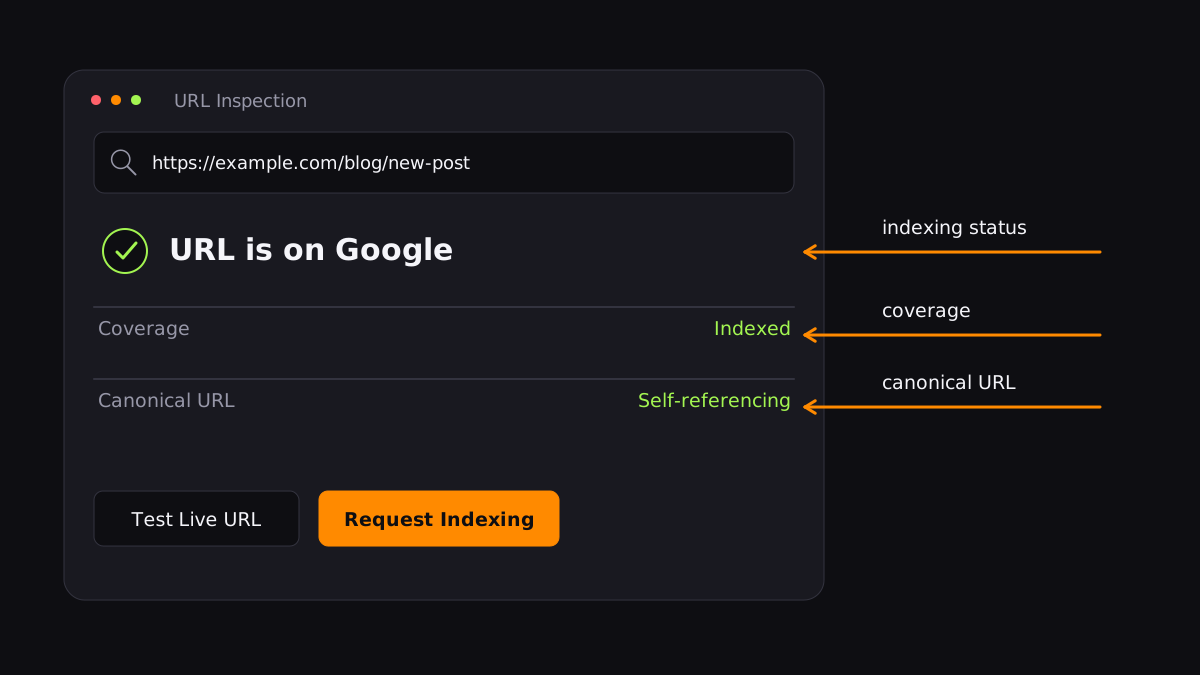
The "Test live URL" button
This fetches the page in real time and checks for immediate problems: a noindex tag, a robots.txt block, a server error, or a redirect. It confirms Google can access the page — but it is not a guarantee the page will be indexed.
A clean live test can still lead to "Duplicate, Google chose different canonical than user." Fix your canonical signals before spending a request on a page.
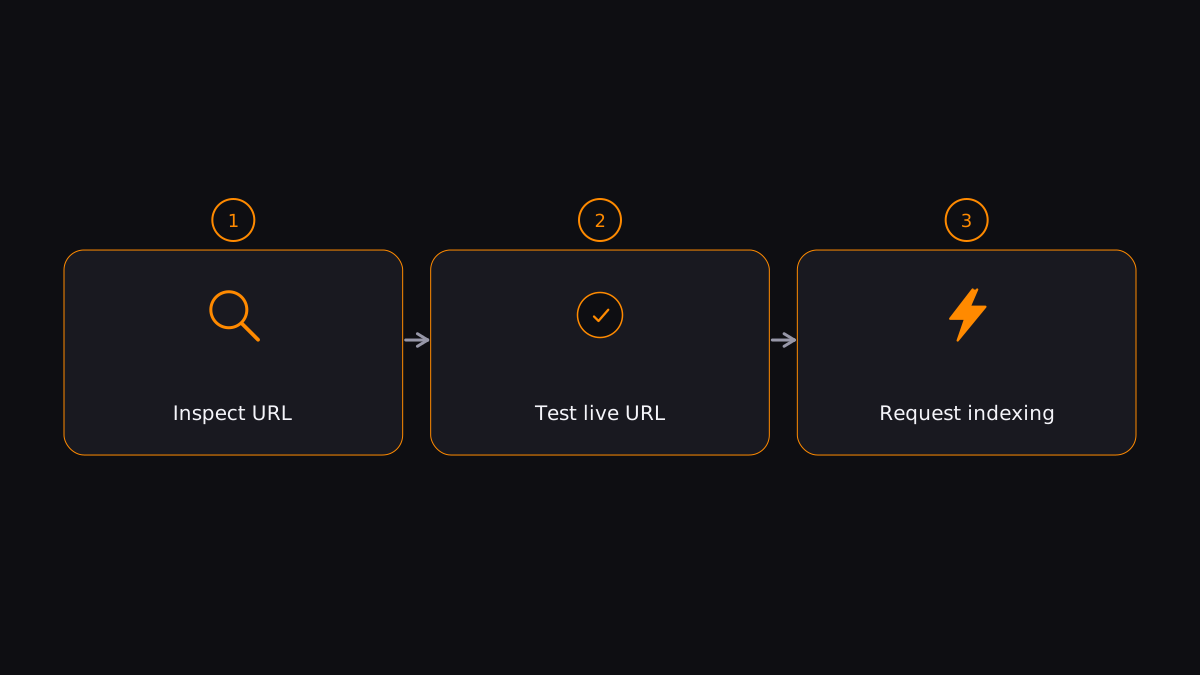
How to request indexing
- Inspect the URL.
- Click Test live URL. If it reports the page is available, continue; if not, fix the issue first.
- Click Request indexing.
Google runs a quick check for immediate errors, then adds the page to its indexing queue. Indexing "typically takes only a day or so, but can take much longer."
Two limitations people forget
It's rate-limited. Request indexing is capped around 10–20 URLs per property per day. It's a surgical tool, not a bulk one — for many URLs, submit a sitemap instead.
It's manual. There's no API endpoint for requesting indexing. The URL Inspection API only reads status — it can't submit a request. That's a common misconception.
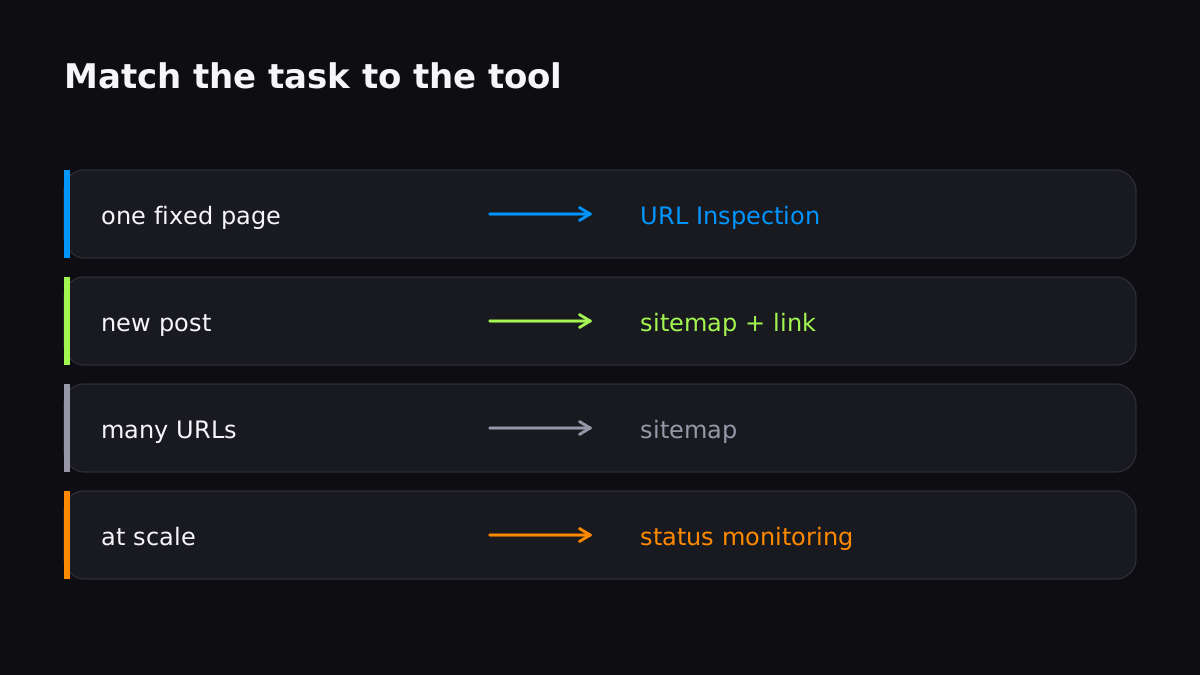
When to use it vs. other methods
| Situation | Best tool |
|---|---|
| One page you just fixed or relaunched | URL Inspection (request indexing) |
| New post on an established site | Sitemap + internal link (no request needed) |
| Many new URLs at once | Submit the sitemap |
| Regular content at scale | Push service (Truva Indexer) |
URL Inspection is the right tool for the right job — a handful of important pages. For everything else, automate. Notify Googlebot automatically instead of clicking through Search Console one URL at a time.
FAQ
Does "URL is on Google" mean it will rank?
No. It confirms the page is in the index, but ranking depends on many other factors. Indexing and ranking are separate.
Can I automate "Request indexing"?
No. The action is only available through the Search Console web interface. The URL Inspection API can check status but can't request indexing.
How many indexing requests can I make per day?
Google doesn't publish an exact number, but widely reported observation puts it around 10–20 per property per day.
Submit your URLs and get them indexed in minutes, not days.
Index your first URL