
Why Is My Page Not Indexed? 12 Reasons + Fixes
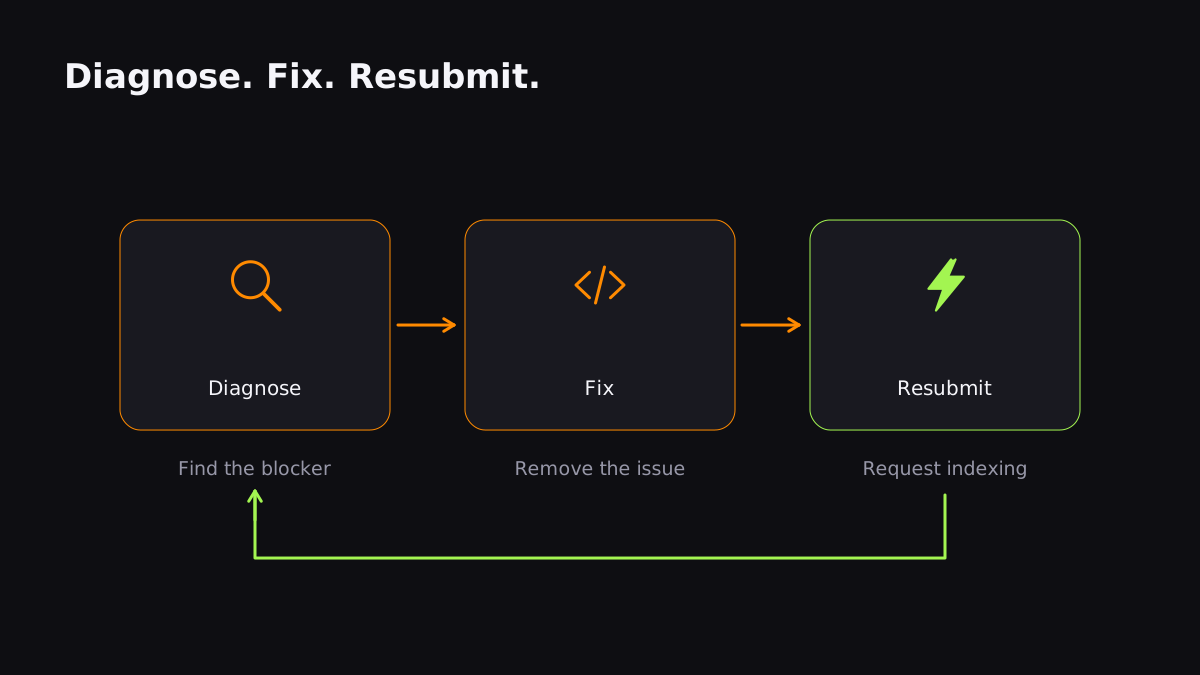
Your page isn't in Google for one of a short list of reasons — and most of them are fixable in under ten minutes. Before you burn a request-indexing quota or pay for a service, work through this checklist in order.
1. A noindex tag is on the page
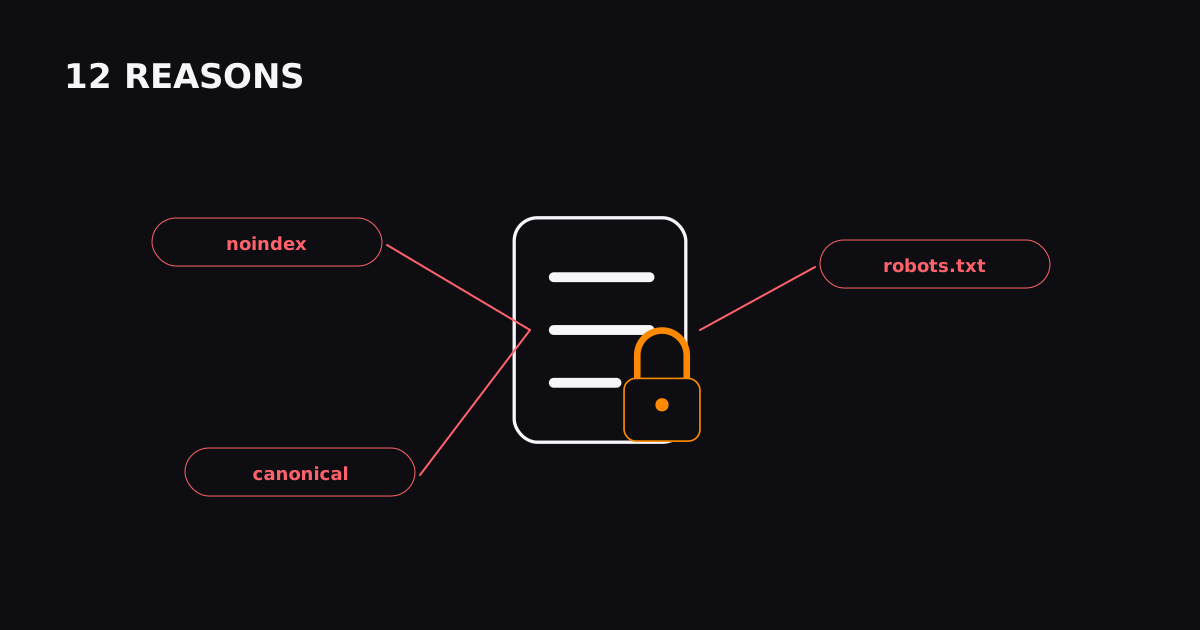
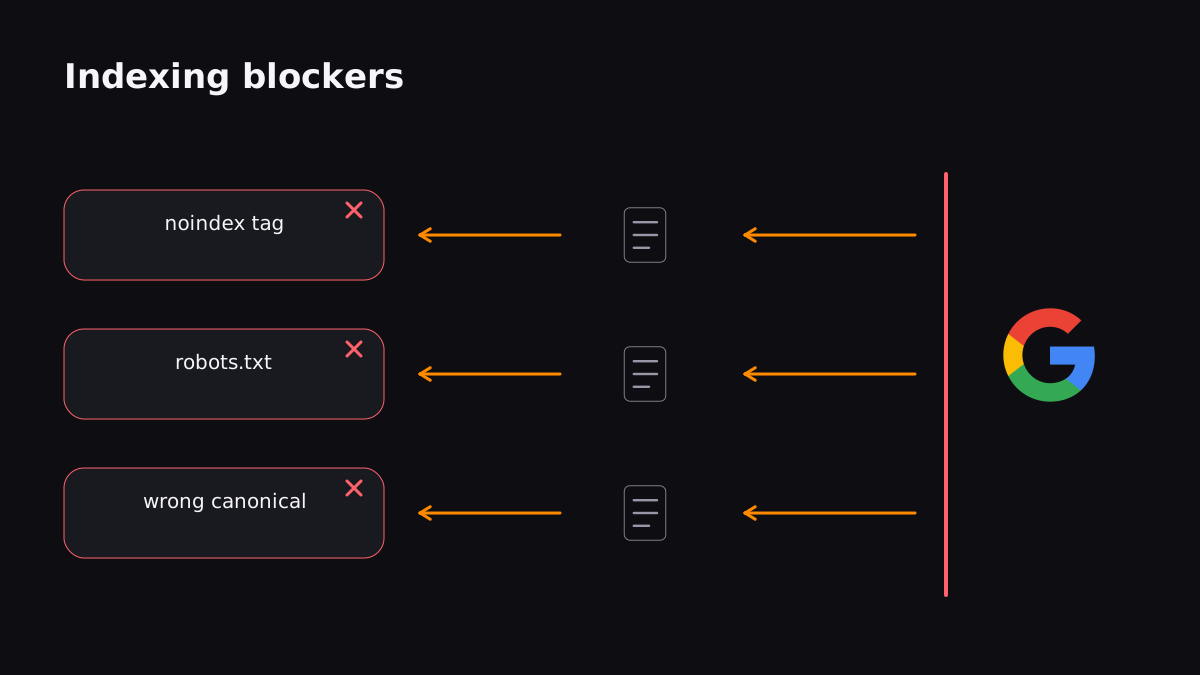
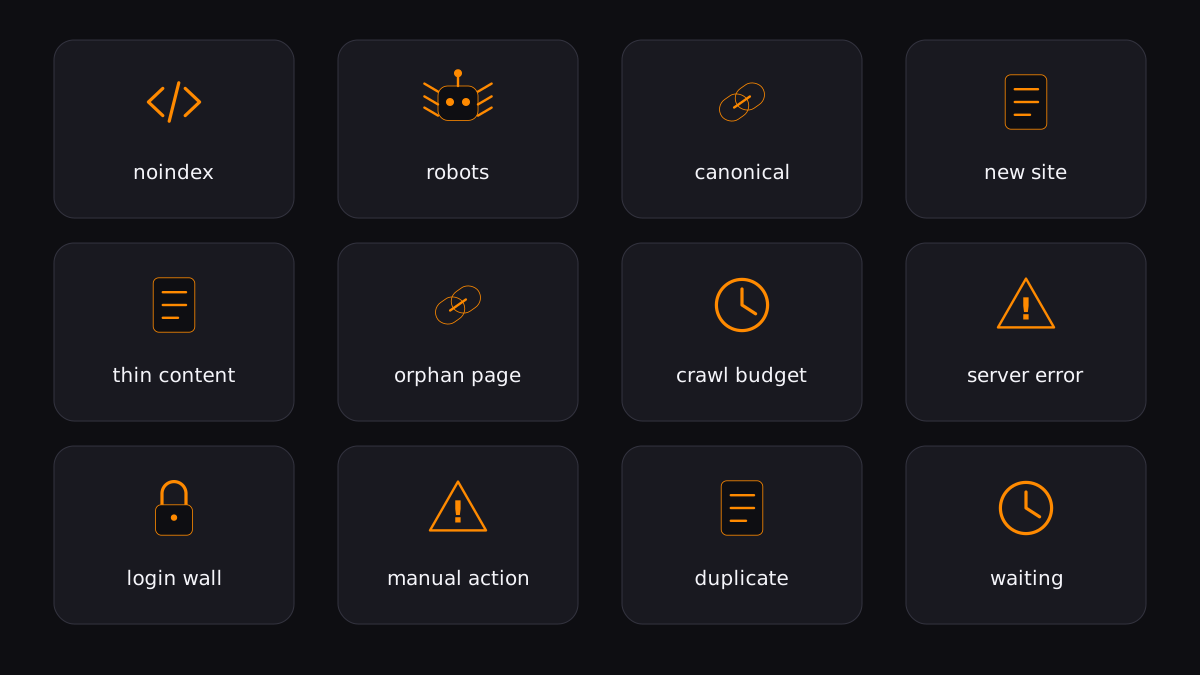
The single most common cause. Check for <meta name="robots" content="noindex"> in the HTML, or an X-Robots-Tag: noindex response header. A staging site's noindex often leaks into production.
Fix: remove the noindex, then request reindexing.
2. robots.txt is blocking the page
If Disallow: /page covers your URL, Google won't crawl it. Fetch yourdomain.com/robots.txt and confirm your page isn't caught by a rule.
Fix: edit the robots.txt rule, or move the page.
3. A canonical tag points elsewhere
If your page declares rel="canonical" to a different URL, Google credits that other URL instead — and yours shows as "Duplicate, Google chose different canonical."
Fix: make the canonical self-referencing, or consolidate the duplicate.
4. The page is brand new
On a new or low-authority site, Google simply hasn't found the page yet. With a sitemap alone this can take 3–14 days, and ~14% of new pages are still uncrawled after two weeks.
Fix: submit a sitemap, add internal links, and use a push method to skip the queue.
5. Thin or low-quality content
Google won't index a page it doesn't think deserves a spot. A page with 40 words, no unique value, or scraped content gets skipped.
Fix: make the page genuinely useful before you spend any submission effort.
6. The page is orphaned (no internal links)
If nothing on your own site links to the page, Google can only find it through your sitemap — and sitemaps are a weak discovery signal.
Fix: link to it from your homepage, a category page, or related posts.
7. Crawl budget is exhausted
On large sites, Google crawls a fraction of your pages per day. If you have thousands of low-value URLs, the important ones get skipped.
Fix: see our crawl budget guide — block junk, consolidate, and prioritize.
8. The page returns an error
A 404, 5xx, or an endless redirect chain stops indexing cold. Check the HTTP status in URL Inspection.
9. It's behind a login or paywall
Googlebot can't see gated content. If it's not publicly accessible, it won't be indexed.
10. A manual action or security issue
Check Search Console → Manual Actions and Security Issues. Spam, hacked content, or policy violations block indexing site-wide.
11. Duplicate content without a canonical winner
Near-identical pages (e.g. product variations, printer-friendly versions) compete for one slot. Google picks one and drops the rest.
12. You haven't waited long enough
Even when everything is right, indexing takes time. If it's been under a week since you published, the page may simply still be in the queue.
FAQ
How do I check if my page is indexed?
Search site:yourdomain.com/your-page on Google, or use the URL Inspection tool in Search Console for a definitive answer.
How long should I wait before assuming a problem?
Google says to allow at least a week after submitting a sitemap or a reindex request. If it's still missing after that, run through the checklist above.
Does submitting a URL guarantee indexing?
No. Submission gets the page in front of Google's crawler sooner; Google still decides whether the content is worth indexing.
Submit your URLs and get them indexed in minutes, not days.
Index your first URL