
How to Submit a Sitemap to Google (Step by Step)
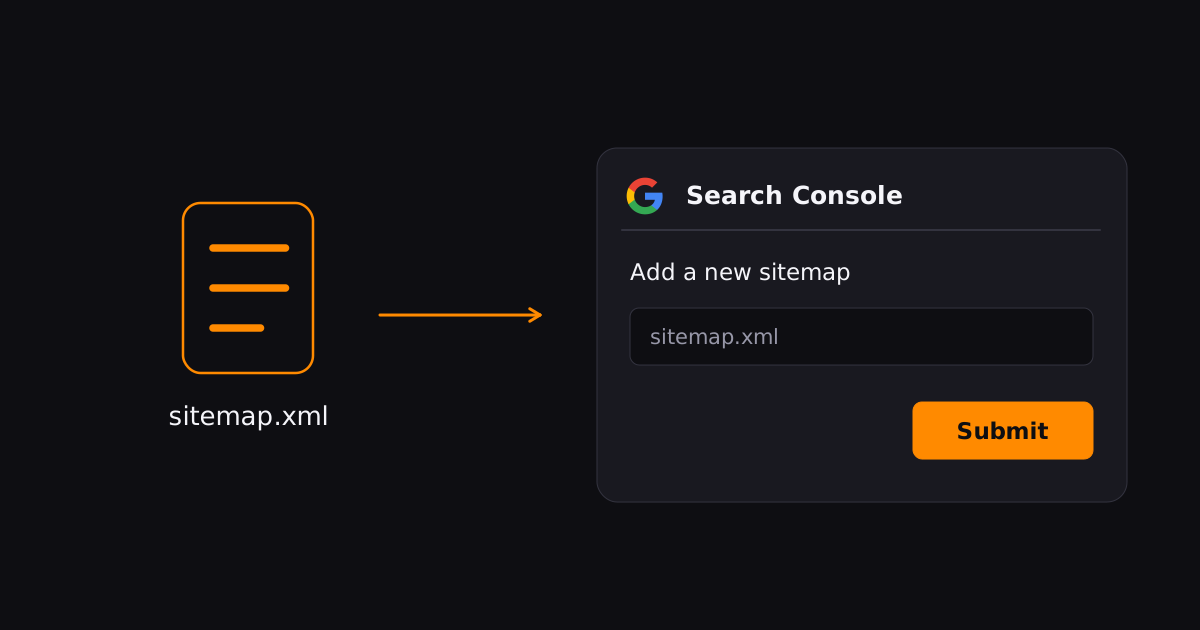
To submit a sitemap to Google, paste its URL into the Sitemaps report in Search Console. "Submitting" doesn't upload anything — you're telling Google where the file lives, and Google fetches it from there.
Here's the full process, including the two things people get wrong most often.
1. Generate (or locate) your sitemap
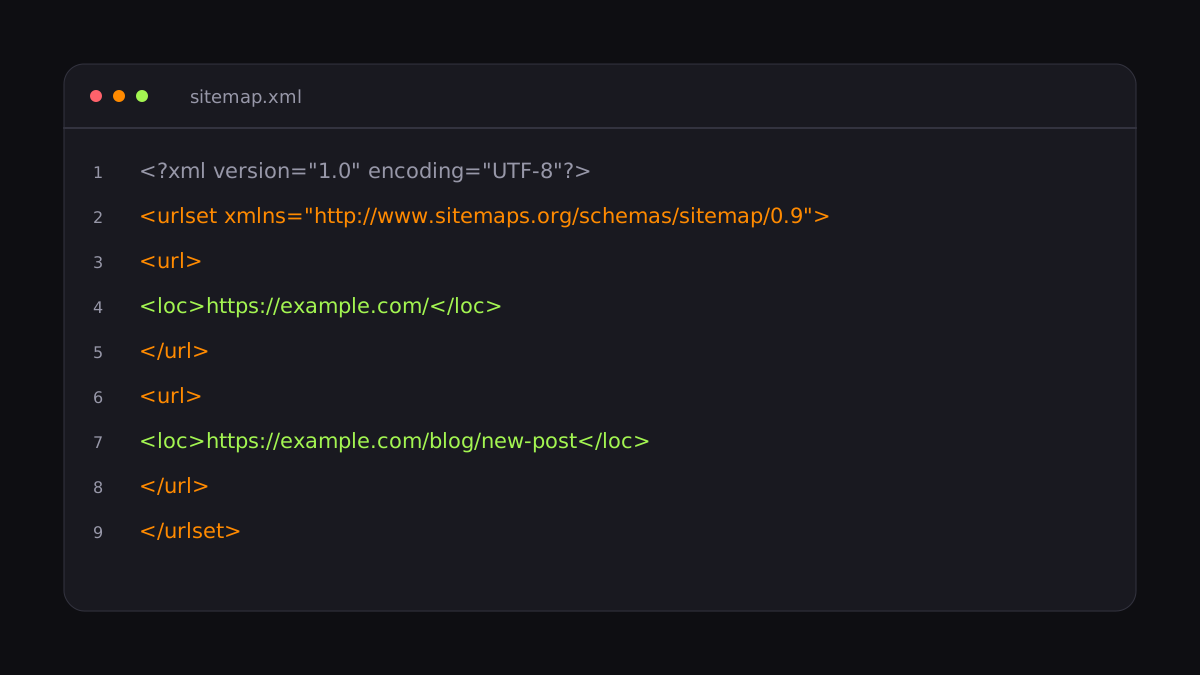
Most CMSs and SEO plugins generate a sitemap automatically, usually at /sitemap.xml or /sitemap_index.xml. If yours doesn't, you can generate one manually — an XML file listing your URLs — but for anything beyond a tiny site you'll want it automated.
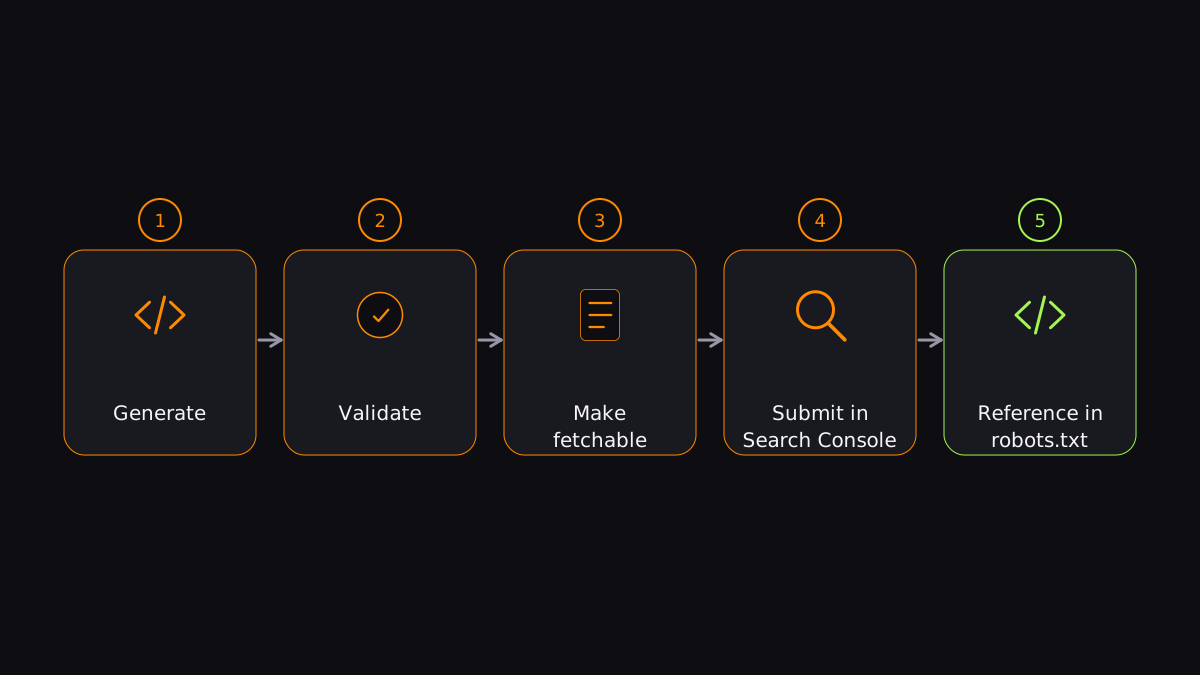
2. Validate it
Run the sitemap through a validator before Google sees it. Broken XML, wrong URLs, or non-200 entries all show up in the Sitemaps report as errors. Check:
- Every URL returns 200.
- URLs use your canonical domain (https, www or not — consistent).
- No URLs that are noindexed or redirected.
3. Make it fetchable
Google must be able to reach the file. It can't sit behind a login, and it can't be blocked by robots.txt. A common self-inflicted wound: a robots.txt rule that blocks the sitemap itself.
4. Submit it in Search Console
- Open Search Console → Indexing → Sitemaps.
- Paste the sitemap URL (e.g.
https://yoursite.com/sitemap.xml). - Click Submit.
You need owner permissions. Google fetches the file immediately, and the report shows Success, Couldn't fetch, or the number of errors.
5. Reference it in robots.txt
Add a Sitemap: line anywhere in robots.txt:
Sitemap: https://yoursite.com/sitemap.xml
Google finds it the next time it crawls robots.txt — useful even without Search Console access. Many sites do both.
What a sitemap won't do
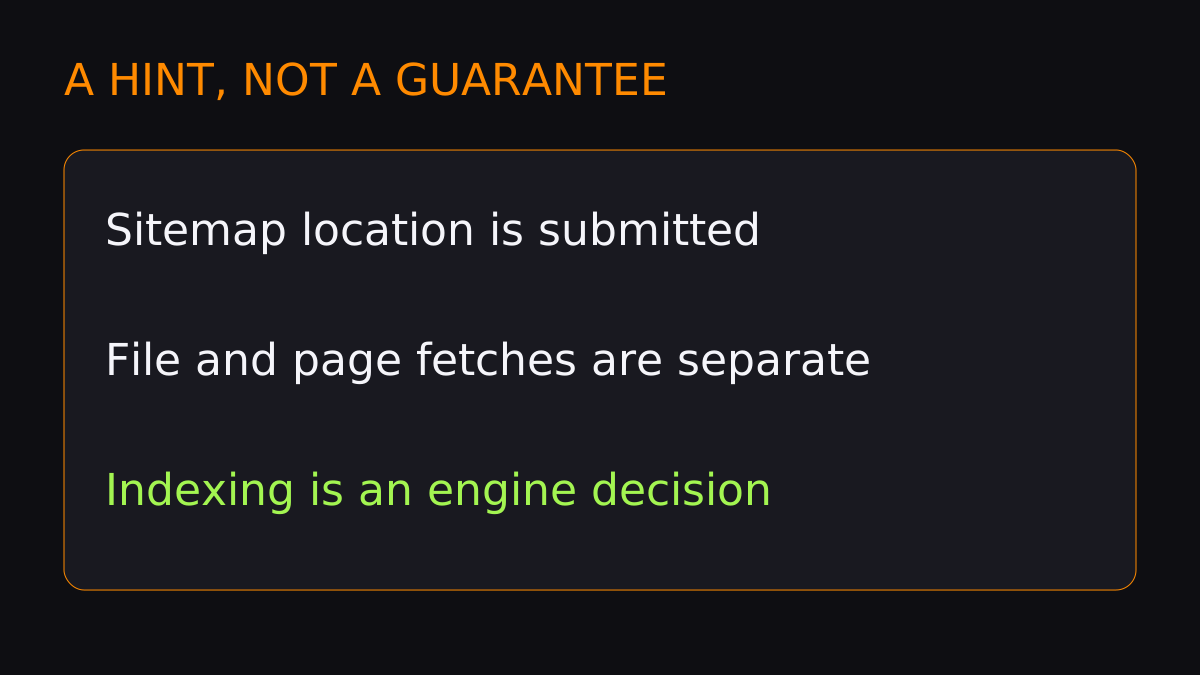
A sitemap is a pull mechanism: Google re-reads it on its own schedule. Submitting one doesn't guarantee indexing, and it's the slowest way to get a specific new page noticed. For that, pair it with a push method — see our fast indexing workflow.
Once your sitemap is in place, you've got the baseline covered. To get new pages in front of Googlebot immediately, notify it on publish.
FAQ
Does submitting a sitemap guarantee indexing?
No. A sitemap improves discovery but Google still decides whether each page deserves to be indexed.
How long after submitting does Google read it?
Google fetches the sitemap right after you submit, then re-checks it periodically on its own schedule. New URLs in it are typically crawled within days.
Can I submit a sitemap without Search Console?
Yes — reference it in robots.txt. Google discovers it that way even without Search Console verification.
Submit your URLs and get them indexed in minutes, not days.
Index your first URL