
How to Get Indexed by Google (The Complete Guide)
To get indexed by Google, make your pages discoverable and crawlable — then help Google find them. The process has two halves: remove whatever is blocking you, and then actively tell Google where your content is.
This is the master guide. Each step links to a deeper dive where relevant.
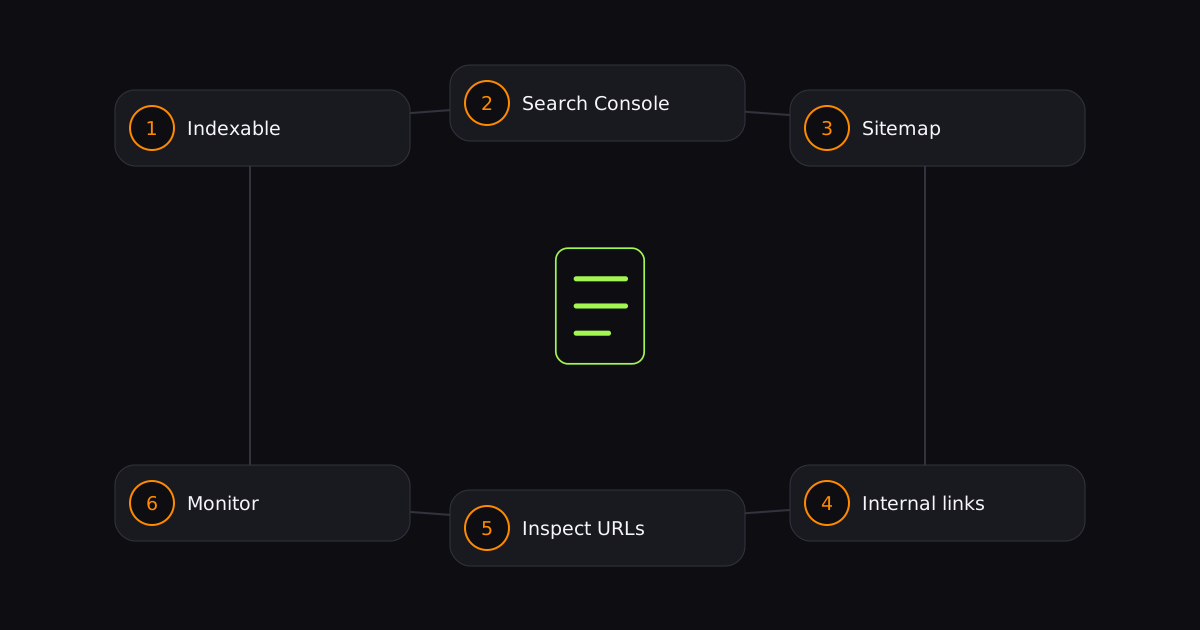
Step 1: Make your site indexable
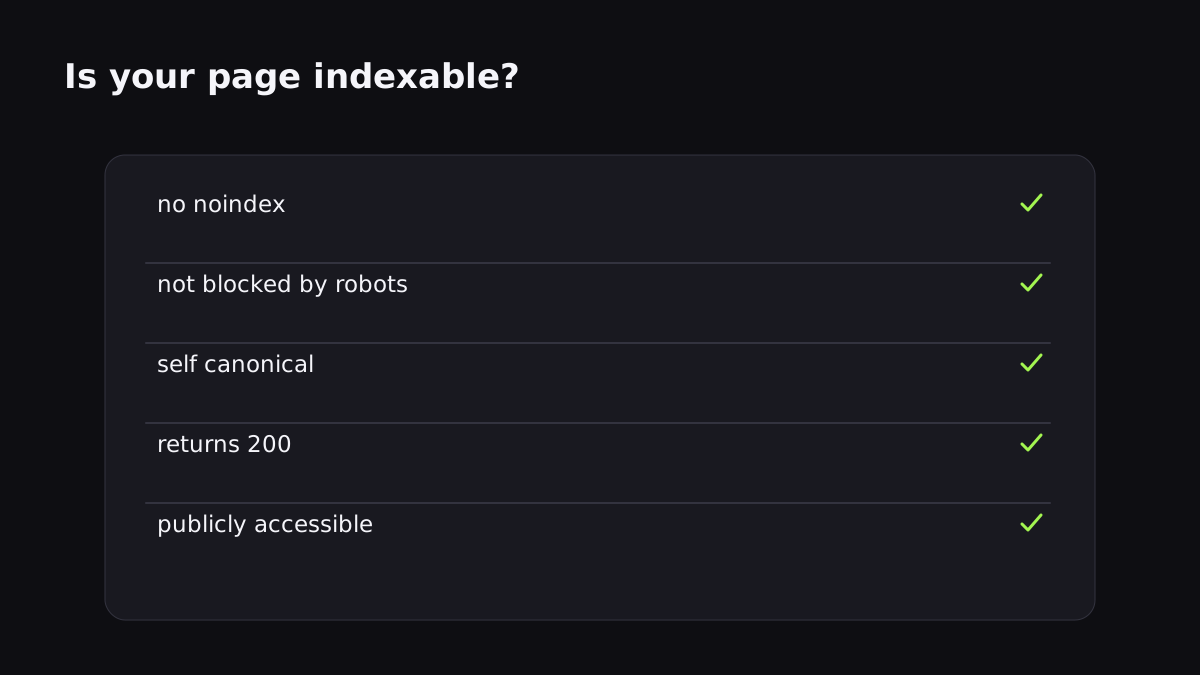
Before you ask Google to index anything, make sure it can.
- No
noindexmeta tags orX-Robots-Tagheaders. - robots.txt isn't blocking your pages.
- Canonical URLs point to themselves.
- Pages return 200, not 404/5xx.
- Content is publicly accessible (no login wall).
Skip this step and every submission method below is wasted effort. If a page won't index, start with why is my page not indexed.
Step 2: Verify your site in Search Console
Verify ownership (DNS record, HTML file, or tag). It doesn't auto-index anything, but it unlocks the URL Inspection tool, the Sitemaps report, and the Page Indexing report — your visibility into what Google sees.
Step 3: Submit a sitemap
Generate an XML sitemap, submit it in the Sitemaps report, and reference it in robots.txt. This is your baseline discovery mechanism. Full walkthrough: how to submit a sitemap.
Step 4: Build internal links
Google discovers most pages by following links. Link to every important page from your homepage, category pages, or related content. An orphaned page relies entirely on the sitemap — a weak signal.
Step 5: Speed up new content
For new posts and pages, don't wait for the sitemap to be re-read. Use the fast workflow:
- Add the URL to the sitemap with a fresh lastmod.
- Link to it internally.
- Request indexing for important pages.
- Push a notification to Googlebot so it's crawled in minutes, not weeks.
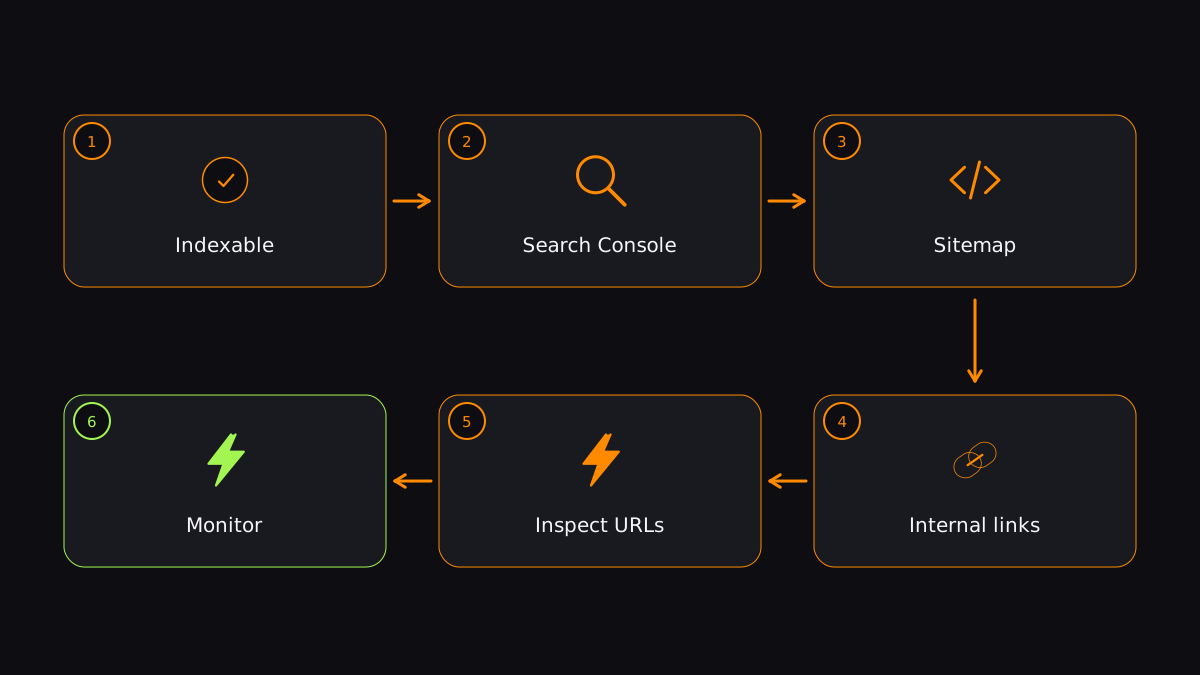
Step 6: Cover the other engines
Fire an IndexNow ping for Bing and ChatGPT Search coverage. See IndexNow explained.
How long it takes
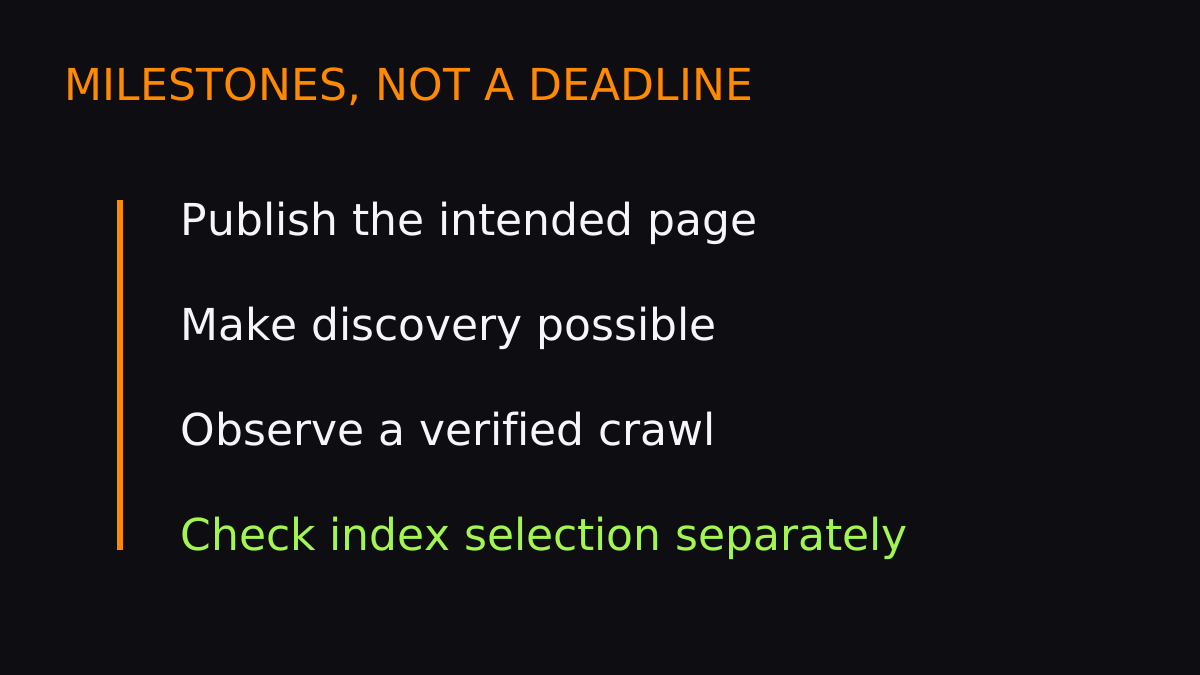
With a sitemap alone, expect 3–14 days on a new site. With active push notification, minutes to hours. See how long Google takes to index for the full data.
Getting indexed isn't magic — it's a checklist. Do all six steps and your pages will get into Google as fast as the platform allows. Start with your first URL.
FAQ
How do I know if my page is indexed?
Search site:yoursite.com/your-page or use the URL Inspection tool in Search Console.
Can I pay Google to index my site?
No. Google doesn't sell indexing. Paid services work by notifying Googlebot on your behalf — they don't pay Google and can't guarantee results.
Is there a guaranteed way to get indexed?
No method guarantees indexing — Google makes the final call based on quality. The best you can do is make the page indexable and submit it through the fastest available channels.
Submit your URLs and get them indexed in minutes, not days.
Index your first URL